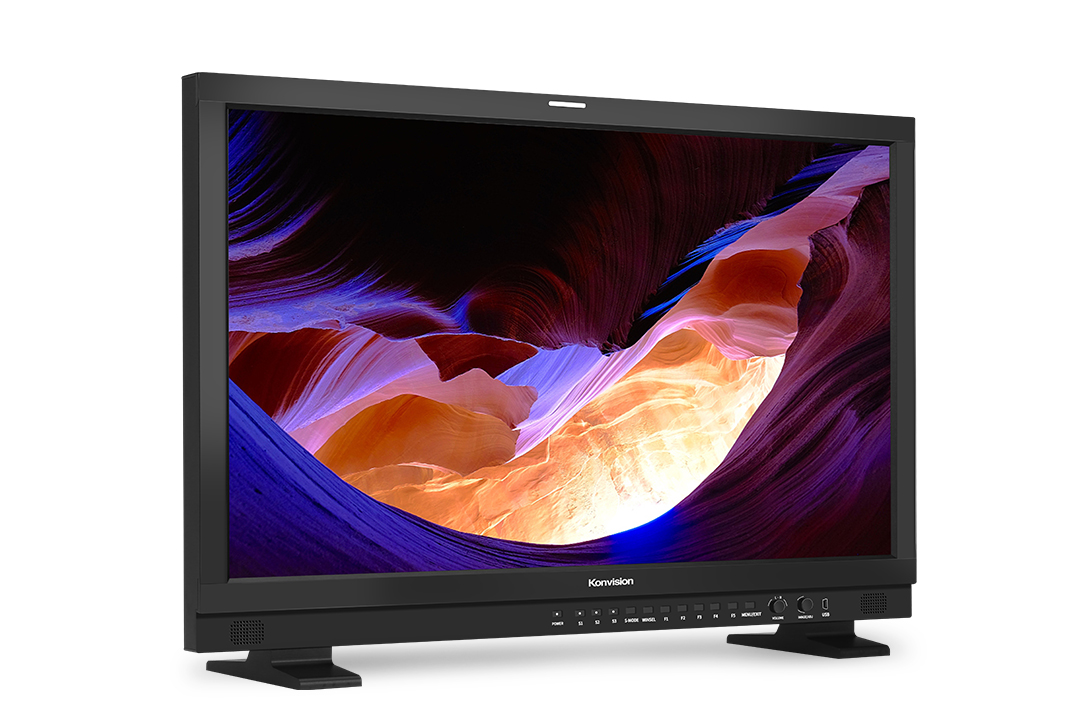
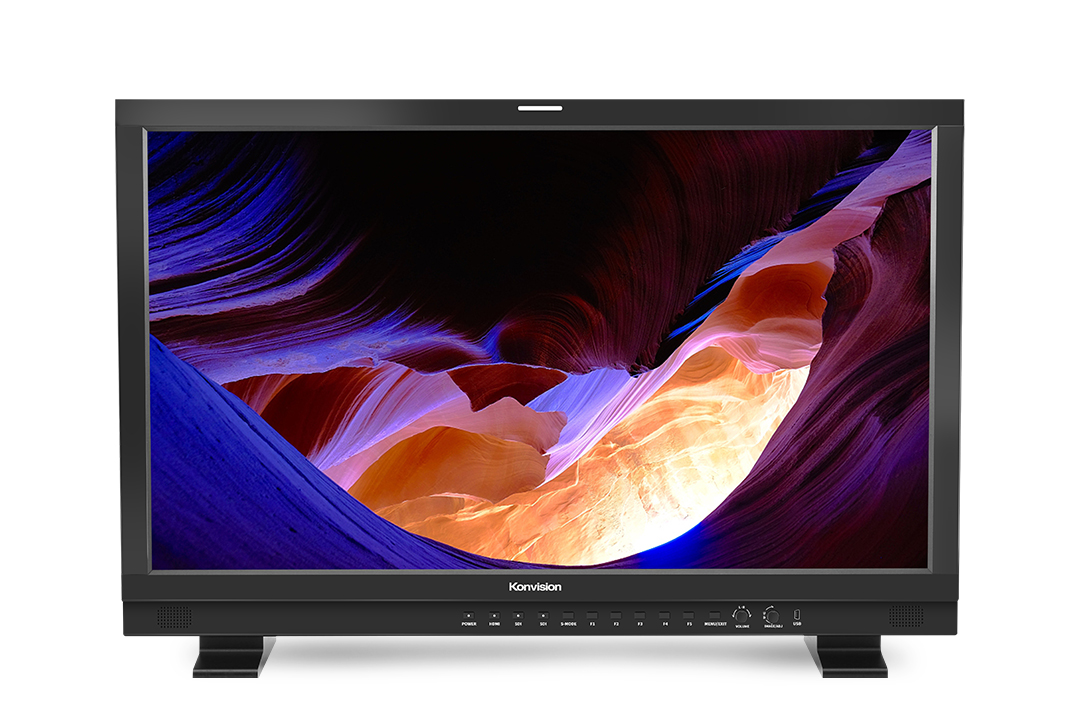
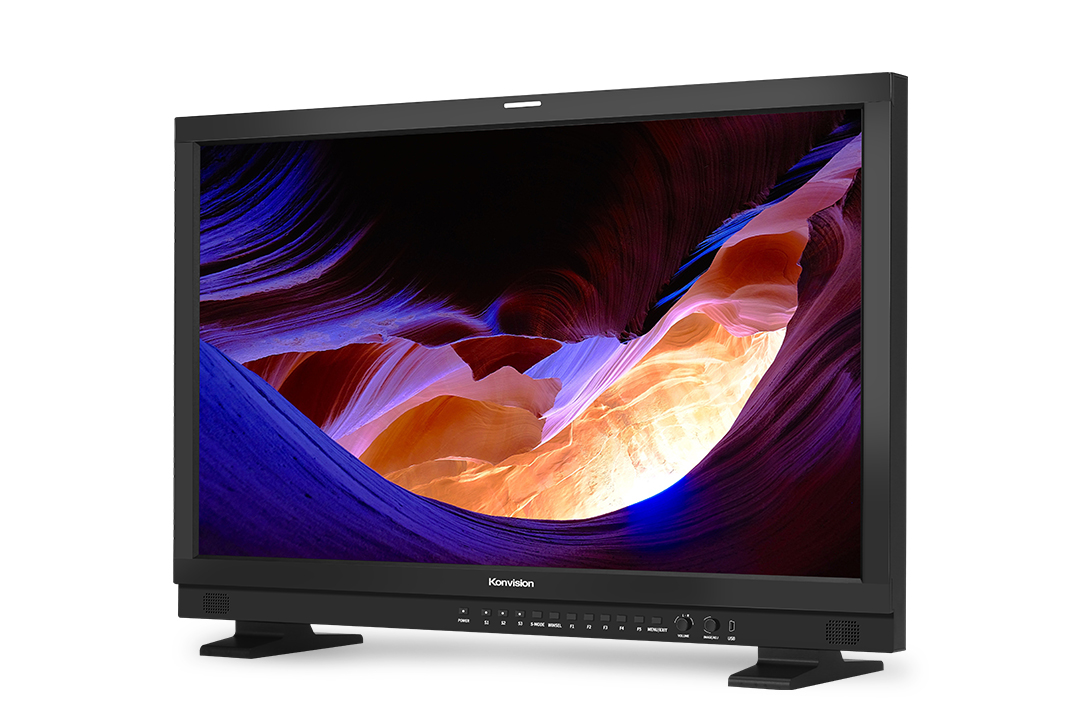
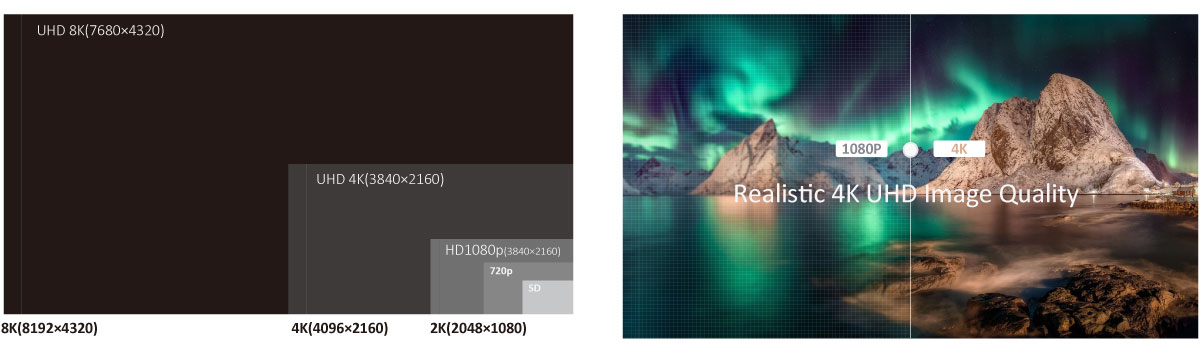
KXM-3120QD is a 31″ 8K HDR Master monitor with true 4K resolution and dual-layer LCD panel which offers 1000 Nits ultra high brightness and 1,000,000:1 contrast ratio. Equipped with 4x12G-SDI inputs with built-in HDMI 2.0 interface, quad link supports upto 4x 4K 2160 60P. 31″ monitor supports various cameras’ HDR Log curves and SDR Log curves, S-Log, C-Log and Log C. KXM-3120QD is a mastering 8K monitor for a wide range of HDR workflows.
Supporing 8192×4320 8K signal, including 4320p 23.98,24,25,29.97,30,50,59.94 and 60p.With advance image processing,8K HDR monitor restores a real world for eyes.
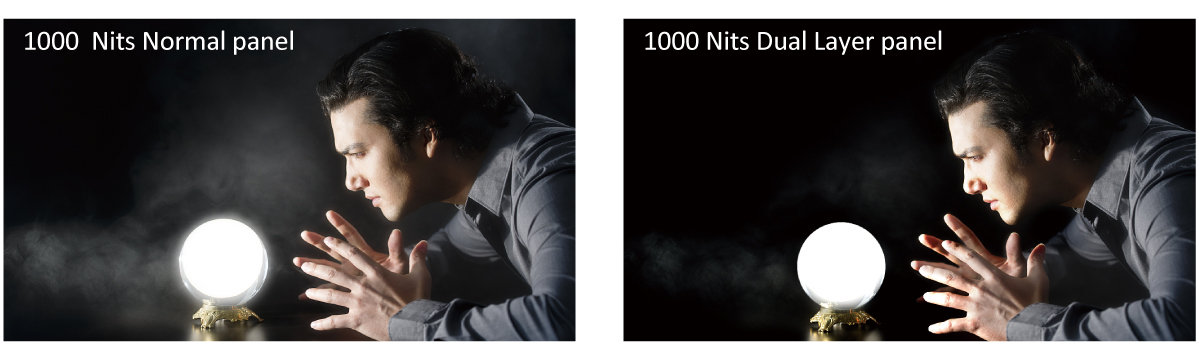
Highest industry standard dual layer LCD panel with 1000 Nits high brightness,deep black,no halo,no glare distortion.
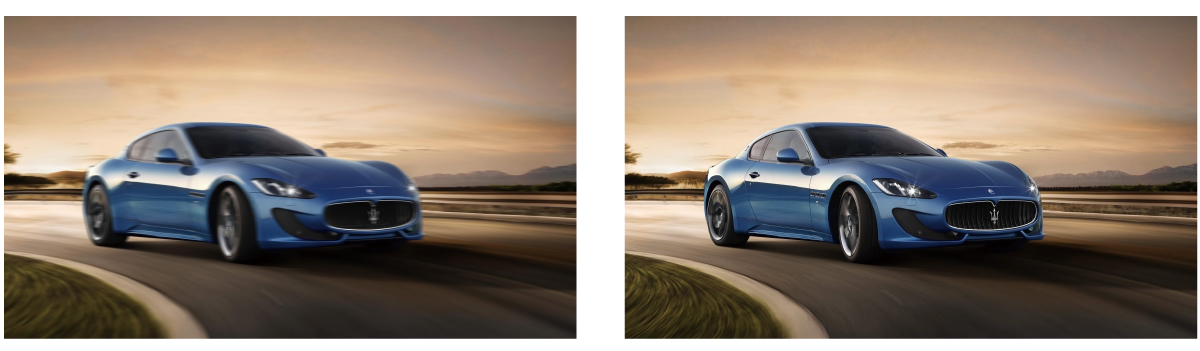
Realizing quick response of the fast moving image, avoids duzzy, saw tooth and other problems, ensures clearer and smoother image, well-satisfied high-end demanding workflows such as live sports, camera shaking and rolling subtitles etc.
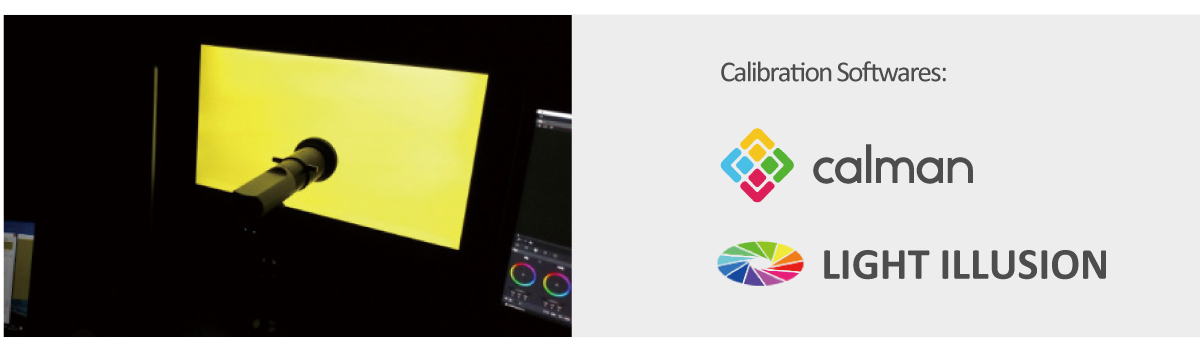
Compatible with Lightspace and Calman calibration software,Konvision monitors apply K10-A probe(professional level) to achieve a precise color.Monitor’s also workable with universal colorimeters including CA210,CA310,CS200,CR100,CR250,X-Rite i1 Display.
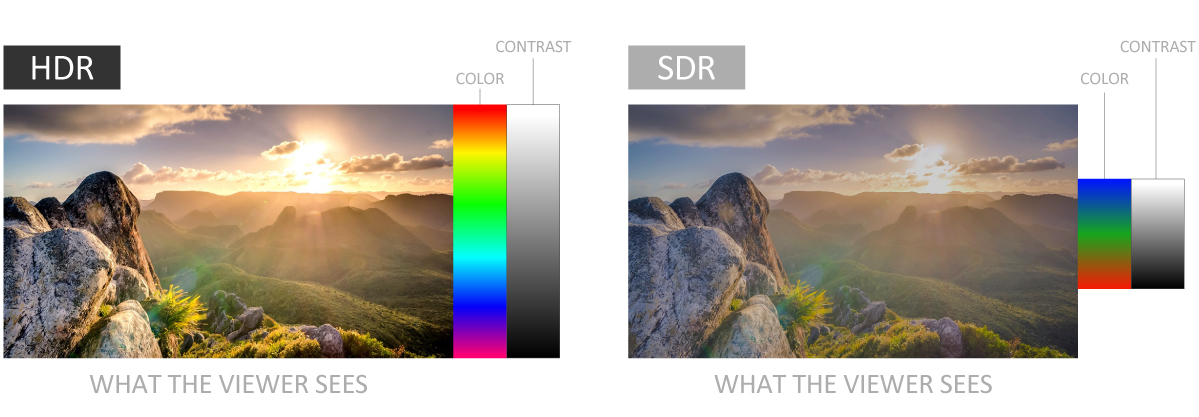
Konvision KUM 4K, 8K and KVM-6X series support HDR display. Adjusrtable HDR modes include PQ(ST2084), HLG with Rec 2020 color gamut. It reproduces a greater dynamic range of luminosity and provides extremely high level picture quality and image reproduction.


You can input 4x independent SDI sources or 3x independent SDI sources and 1x HDMI source to quadview,support different SDI or HDMI format mixed inputs with different frequency rate.

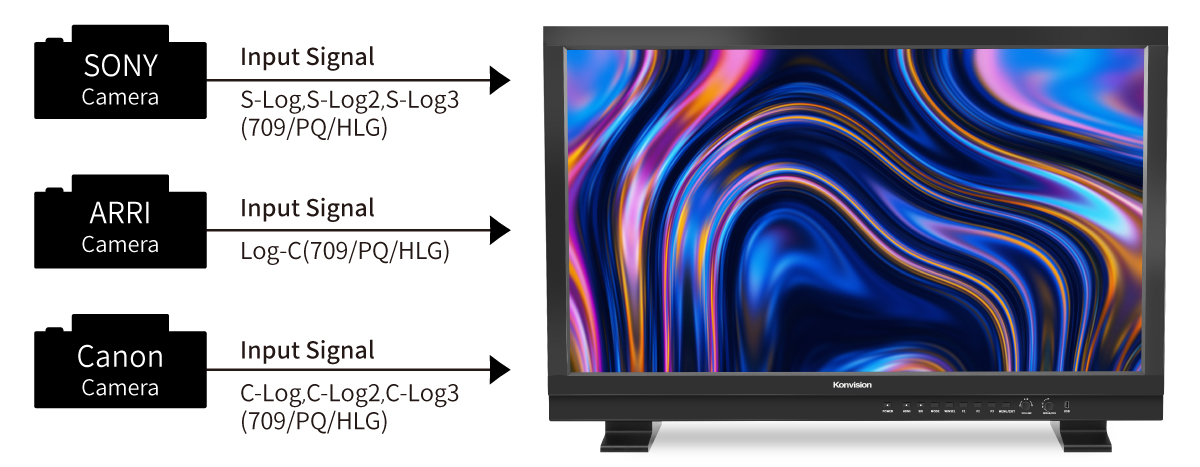
Konvision KUM 4K,8K and KVM-6X series supports a variety of EOTF curve conversion applicable to the broadcast industry and digital film standard. A preset of lots of HDR log, SDR logs and gamma curve selection, so as to realize the perfect combination with the camera system.
Increasing the brightness and contrast ratio in the dark areas, Black Stretch function can show more shadow details of the input signal. Black Stretch can be used for double checking the shadow detail of the dark areas to avoide any missing infomation.

Konvision 8K and 4K monitors offer HDR & SDR side by side comparision. This function allows customers to compare the difference between HDR and SDR on the same screen. it allows users to see more picture details and color in scense.
Both SDI and HDMI support Waveform, Vectorscope, Histogram and manage to be displayed on screen at the same time.When luminance reaches or exceeds the preset value, the over exposure areas will be red marked(Waveform Alarm).

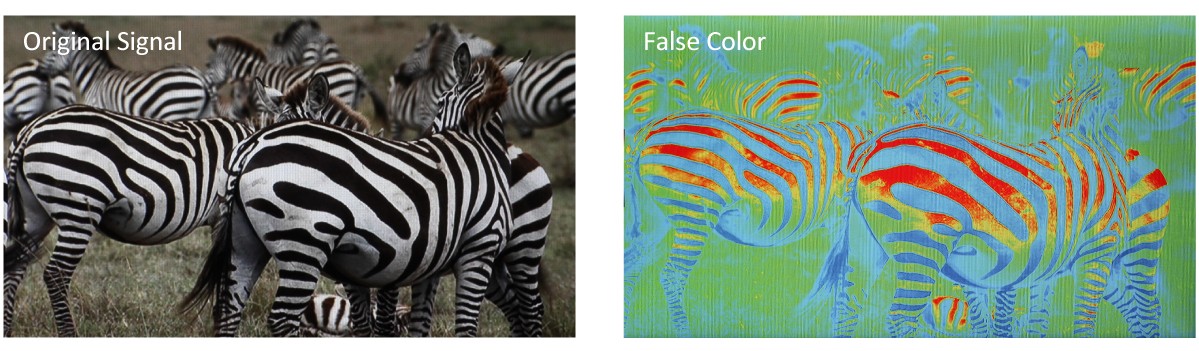
Check exposure of the image.Blue,cyan,green,yellow,orange and red color be displayed in turn to show the luminance or brightness values of the image from darkest to brightest,enables an achievement of proper exposure without applying external test equipment.
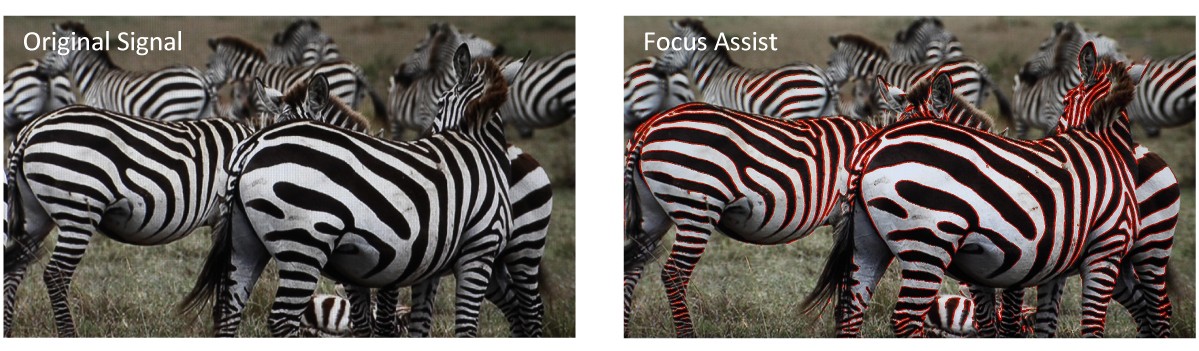
Focus assist aids the camera operator in obtaining the sharpest possible picture,it will mark with red color where the sharp edges appear on the screen.
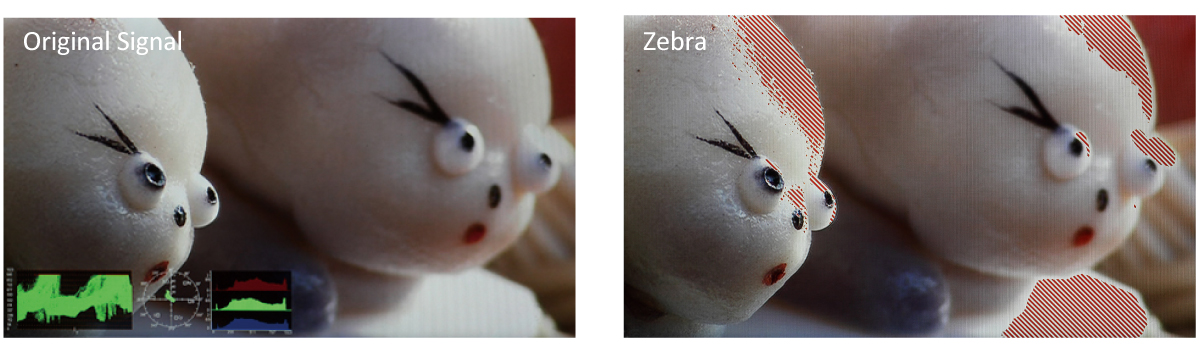
Display the overexposed areas(too bright) of the image with zebra stripes,aids the camera operator to control the luminance,in order to avoid overexposure.This feature is very effective for proper exposure.
| brands | Konvision |
|---|
Copyright © 2021 Timbre Broadcast Systems